
Convert images to WebP
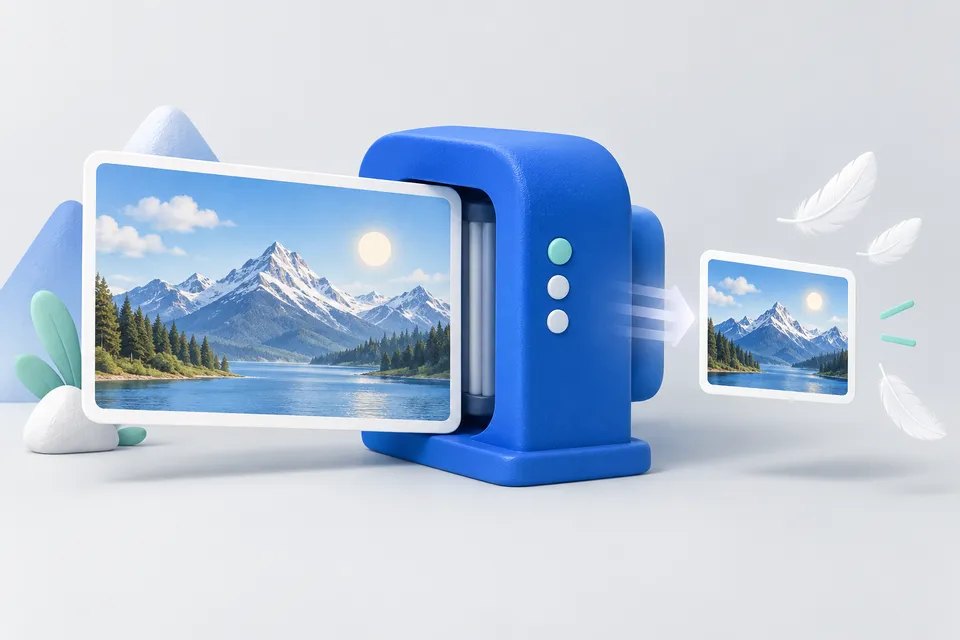
WebP usually achieves significantly smaller files than JPG or PNG with the same image quality. Images are the largest chunk on most websites - here you can win the fastest loading time.
How it works
Same image content, less file weight
- Select JPG or PNG images
- Setting quality and size
- Download WebP files
Drag images here or click
Multiple files at once, up to 20 JPG, PNG or GIF.
The images are converted exclusively in your browser and not uploaded.
The usual choice for websites.
The biggest leverage: A 4000 pixel wide photo that is displayed 800 pixels wide wastes many times the loading time.
What to Consider
The biggest leverage is not the format, but the size. A 4000 pixel wide photo that appears 800 pixels wide on the page wastes a lot of loading time -- in any format -- so there's the box at the top for the largest width.
Transparency is maintained, WebP can do that like PNG. However, for simple graphics with a few colors or already highly compressed files, WebP can be larger than the original. The savings are therefore behind each file – if it becomes negative, stay with the original.
All browsers in use today are WebP. If you want to make sure, you can connect it via <picture> with a JPG as the fallback plane.
After the exchange is worthwhile Website check It measures the actual file sizes and reports images that are delivered larger than displayed.
When WebP is worth it – and when not
For photos, it typically brings 25 to 35 percent less weight with the same visible quality. For graphics with a few colors - logos, diagrams, screen photos of surfaces - the profit is often greater because WebP can work there losslessly. Little does it with already highly compressed JPEGs: If you send a file several times through different formats, lose quality and hardly win kilobytes.
Images that are passed on or printed should not be converted – the original remains the correct version. WebP is a format for delivery on the web, not an archive format.
Quality level and transparency
Between 75 and 85 is the area where the difference from the original on a screen no longer stands out, underneath which areas become spotty, especially in skies and skin tones, and over 90 the file grows quickly without anyone seeing it.
Transparency is maintained – this is the advantage over JPEG, which knows no one. If you convert a PNG with a transparent background, you usually save significantly without losing the exempted edge.
Other tools
From ‘Images and icons” and related categories. Free, with no sign-up.
Create a favicon
Select an image and create all icon sizes and a web manifest directly in your browser.
Open tool
Crop an image
Choose a crop freely or with a fixed aspect ratio. Keyboard controls are supported.
Open tool
View and remove EXIF metadata
View camera, date and location metadata, then remove it without losing image quality.
Open tool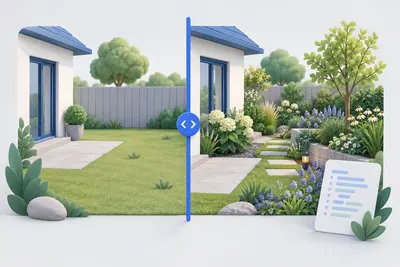
Before-and-after slider
Compare two images with a slider and get ready-to-use code without a third-party library.
Open tool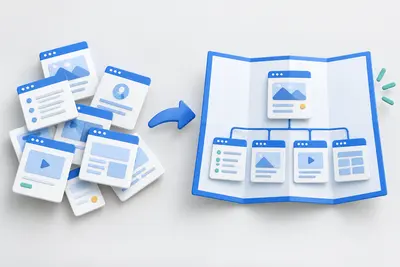
Create a sitemap
Paste URLs or scan your website, then download the finished XML file.
Open tool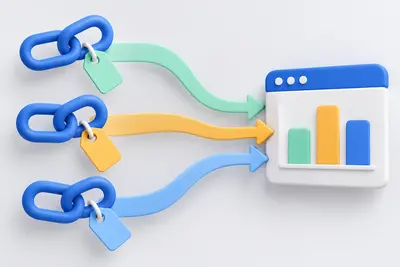
Create UTM links
Track campaigns and catch mistakes before they appear in your reports.
Open tool