
Analyse · Optimise · Understand
Your website.
Clearly in view.
Free tools for better websites.
Free · No sign-up · No stored analysis data
A solid foundation
Your website has a solid technical foundation, with a few opportunities for improvement.
All tools at a glance
All free, with no sign-up. File tools run in your browser; your files are never uploaded.
Check and compare
See what is really happening on your website.
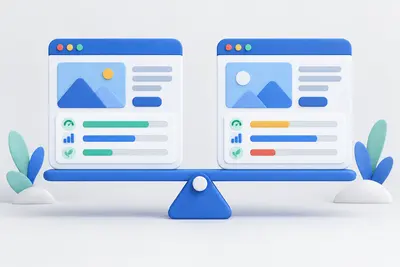
URL comparison
Compare two pages side by side: scores, key metrics and every individual check.
Open tool
Google ranking check
How well does a page target a search term? Check titles, headings, body text, link text and technical requirements.
Open tool
Competition analysis
Compare your website with the ten results ahead of it and see what the leading pages do differently.
Open tool
Website crawler
Follow internal links and check up to 100 pages for errors, duplicate titles and thin content.
Open tool
Test robots.txt
Paste rules and enter URLs to see which pages are blocked and which rule applies.
Open tool
Check a sitemap
Parse XML, find structural errors and check whether the listed URLs are reachable.
Open toolPDF and JSON
Print any report as a PDF or retrieve machine-readable results through the JSON API.
Open toolFor search engines
Help search engines find your content.
Website launch package
Fill in one form to create meta tags, Open Graph, schema markup, a favicon, robots.txt and a sitemap in one package.
Open tool
Create meta tags
Create titles, descriptions and preview images, with a preview of how Google displays the result.
Open tool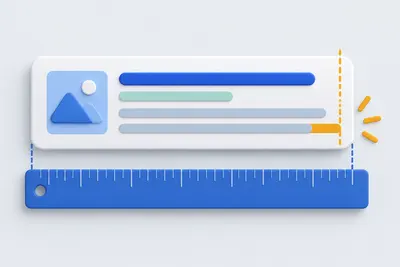
SERP preview
Preview your title and description as Google displays them, measured in pixels rather than characters.
Open tool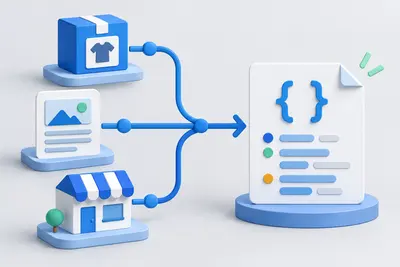
Create schema markup
Create JSON-LD structured data for businesses, articles, products and events.
Open tool
Create robots.txt
Build rules with a few clicks, including restrictions on AI crawlers.
Open tool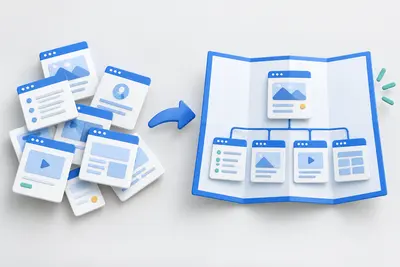
Create a sitemap
Paste URLs or scan your website, then download the finished XML file.
Open tool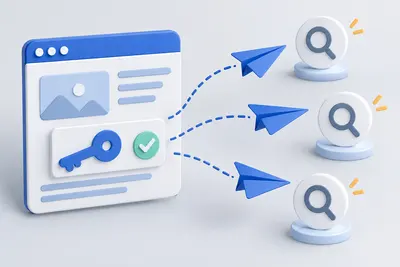
Submit to search engines
Submit new pages directly to Bing, Yandex, Seznam, Naver and other search engines through IndexNow, with checks before submission.
Open toolSharing and promotion
Make your links look good wherever they are shared.
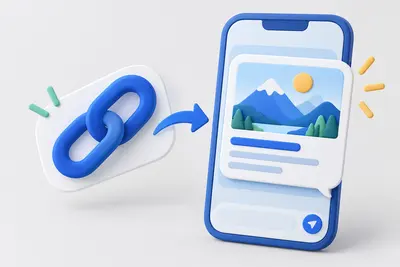
Create Open Graph tags
Create preview images and text for WhatsApp, Facebook and LinkedIn, with a preview for each network.
Open tool
Create UTM links
Track campaigns and catch mistakes before they appear in your reports.
Open tool
Google review link
Link directly to the review form, with a QR code for displays and invoices.
Open toolBuild a website
Build a complete website from a template.
Images and icons
Images account for most of the loading time on many websites.

Resize images
Resize to fixed dimensions or a percentage, and optionally convert to another format.
Open tool
Convert images to WebP
Resize and convert multiple images at once in your browser, with no upload.
Open tool
Create a favicon
Select an image and create all icon sizes and a web manifest directly in your browser.
Open tool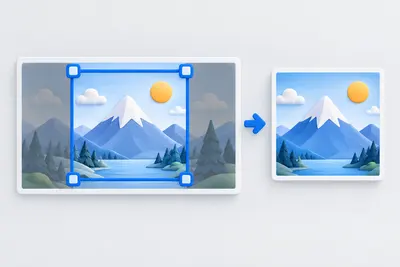
Crop an image
Choose a crop freely or with a fixed aspect ratio. Keyboard controls are supported.
Open tool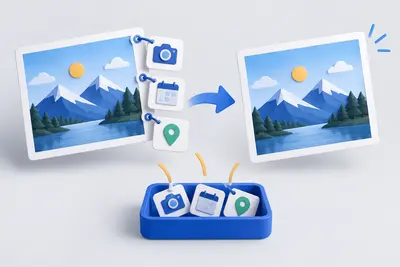
View and remove EXIF metadata
View camera, date and location metadata, then remove it without losing image quality.
Open tool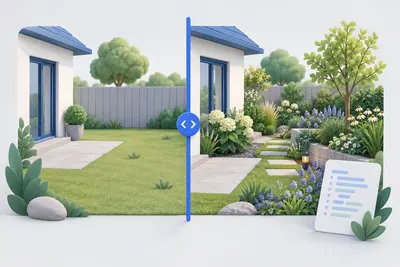
Before-and-after slider
Compare two images with a slider and get ready-to-use code without a third-party library.
Open tool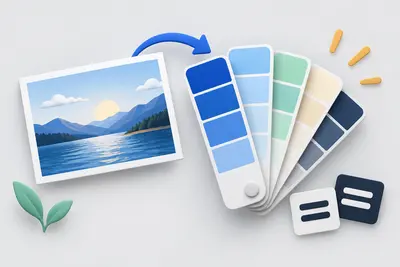
Create a colour palette
Create colour harmonies and shades, extract colours from an image and check contrast against WCAG.
Open tool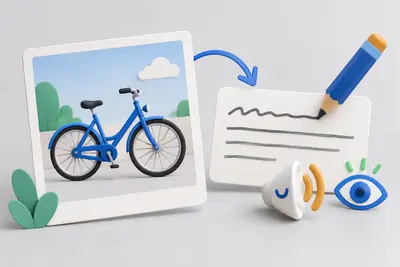
Write alt text
Choose an image type, check your description and copy the finished markup.
Open tool
Create a QR code
Create sixteen QR content types with your logo and colours, as PNG, SVG or print-ready PDF.
Open toolSource code and server
Keep your source code and server configuration tidy.
Format HTML
Indent or minify source code in your browser, with no upload.
Open tool
Format CSS
Make minified CSS readable again, or minify it for delivery.
Open tool
Format JSON
Validate, format or minify JSON, with the line, column and exact error location.
Open tool
Encode a URL
Encode or decode URLs and parameters, and inspect their individual components.
Open tool
Create .htaccess
Configure redirects, HTTPS, compression and access protection for Apache with a few clicks.
Open toolRequired legal information
Essential information for business websites.
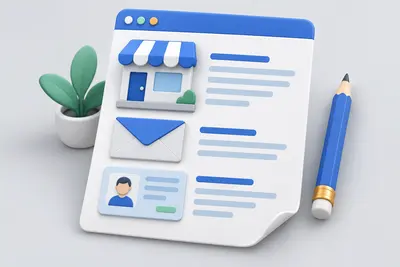
What the SEO check covers
Metadata
- –Title & length
- –Meta-Description
- –Canonical & Robots
- –Language, charset, viewport
- –hreflang & Favicon
Content & keywords
- –Text length & text-to-code ratio
- –Keyword density (1–3 words)
- –Placement in title, H1 and URL
- –Flesch readability
- –Keyword stuffing warning
Structure
- –H1 check
- –Heading hierarchy
- –Skipped heading levels
- –Title and H1 comparison
Links
- –Internal & external links
- –Broken links
- –Proportion of nofollow links
- –Empty anchor text
Images & media
- –Missing alt text
- –Actual file sizes
- –Oversized images
- –WebP/AVIF instead of JPEG
- –width/height (CLS)
Legal & privacy
- –Linked legal notice
- –Linked privacy policy
- –Remotely loaded Google Fonts
- –Third parties and data transfers
- –Consent banner
- –YouTube and Maps embeds
Technology
- –HTTP status & redirect chain
- –http→https and www versions
- –404 behaviour
- –HTML validation (W3C)
- –Security headers & mixed content
- –robots.txt & XML Sitemap
Accessibility
- –Labelled form fields
- –Link and button names
- –Page landmarks & skip link
- –Table headers and iframe titles
- –Keyboard navigation order
- –Autoplaying media
Social & Rich Results
- –Open Graph
- –Twitter Cards
- –Schema.org / JSON-LD
- –Required fields for rich results
Output
- –Score by category
- –Google snippet preview
- –Specific recommendations
- –JSON-API
Why on-page optimisation comes first
Search engines need to understand a page before they can show it. On-page optimisation helps clarify what the page is about.
These changes are within your control. A missing title or alt text takes five minutes to add. Backlinks take months and depend on other people.
That is why the order matters. Get your own website into shape before working on outreach. Skipping this step hands rankings to competitors who have done it.
A useful starting point is Google’s SEO starter guide .
How the score is calculated
Each check has a weight. A missing title carries more weight than a missing favicon. All checks combine into an average score from 0 to 100.
A pass counts fully, a warning counts half and a failure counts zero. Informational findings do not affect the score, making results comparable.
Three conditions also cap the score. An HTTP error status of 400 or above caps it at 25 points; noindex at 40; and a robots.txt block at 45. A page nobody can find has little value, however good its text is.
Grades range from A at 90 points to F below 50. They are a guide, not a verdict. The list of findings matters more than the number.
Frequently asked questions about the SEO check
- What is an on-page check?
- An on-page check examines the page itself: its title and description, headings, text, images, links and underlying technology. Rankings and backlinks are outside the page and require other data sources.
- Is my data stored?
- No. The checked URL and results exist only in memory for the duration of the request. They are then discarded. There are no accounts or analytics tracking. Only your language preference is saved.
- How long does a check take?
- A page check usually takes one to three seconds. Crawling 25 pages takes around ten seconds, depending on the server. A Google loading-time measurement can take up to one minute.
- Why does the score differ from other tools?
- Tools use different weights. Here, a missing title matters more than a missing favicon. Indexability problems also cap the score. A page returning a 404 status cannot receive a good score, even if everything else is correct.
- What should I do with the results?
- Work through the list from top to bottom: red findings first, then yellow ones. Each finding explains the problem and its cause. Run another check afterwards to see what your changes have improved.
Know someone who could use this?
Seitensicht is free to use without an account. A link helps the project most: in a forum, your signature or on your own website.
Banners in four sizes are ready to use, with matching HTML, BBCode and Markdown snippets to copy.
View banners
JSON-API
Every analysis is also available in machine-readable form, for monitoring or reports.
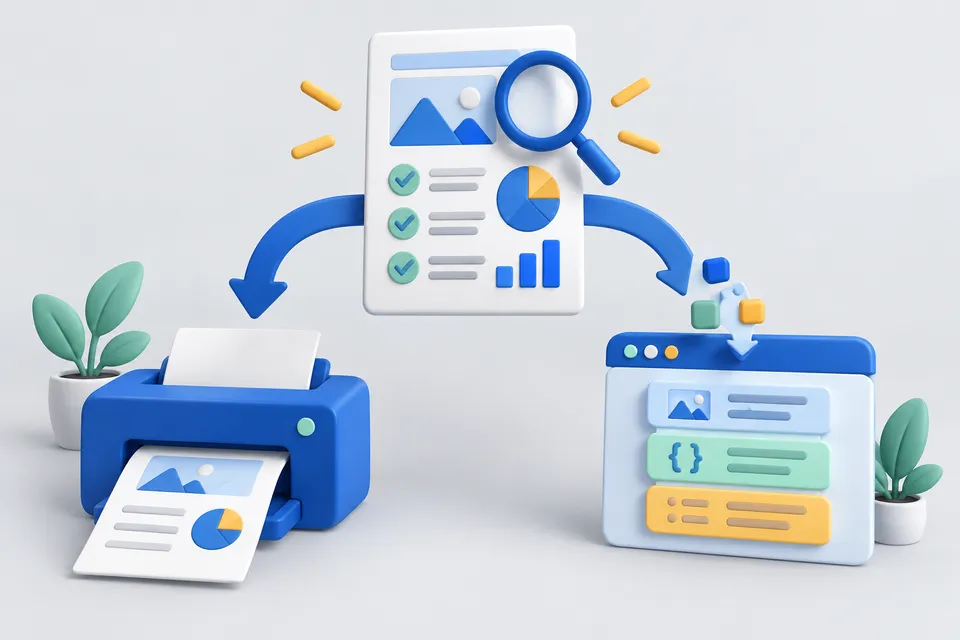
How it works
Take test results with you or process them further
- Creating an SEO report
- Select PDF printing or JSON API
- Save or further process the result
# On-page analysis of a URL
curl "https://seitensicht.de/en/api/analyze?url=https://beispiel.de"

# Crawl up to 100 pages
curl "https://seitensicht.de/en/api/crawl?url=https://beispiel.de&limit=25"

# PageSpeed measurement (Google Lighthouse)
curl "https://seitensicht.de/en/api/pagespeed?url=https://beispiel.de&strategy=mobile"
You can also print any report with “Save as PDF”. The print view expands all details and hides the controls.