
Create a QR code
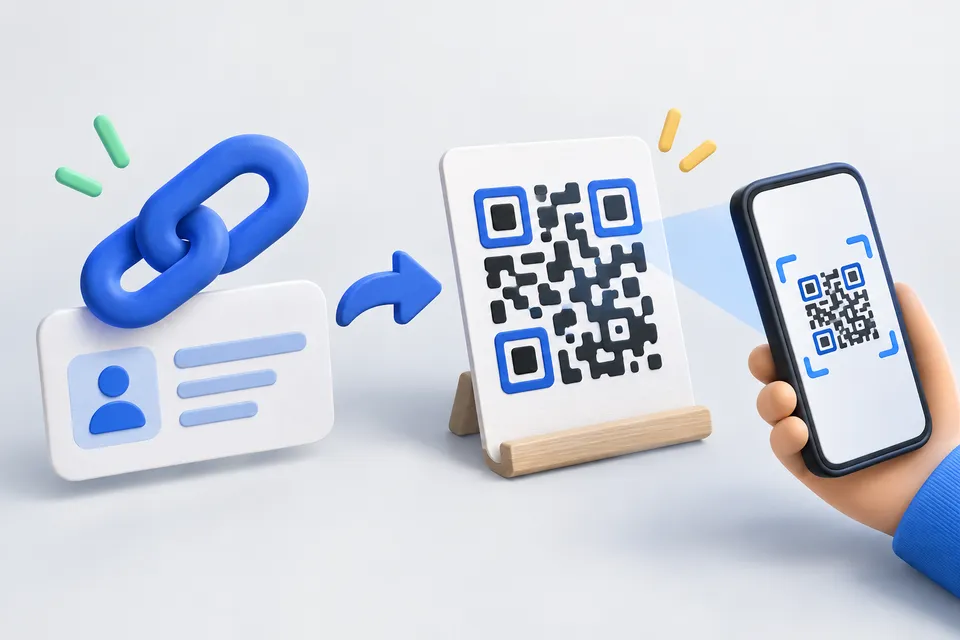
Sixteen content types – from the business card to the location to the SEPA transfer – with their own logo, free colors and output as PNG, SVG or print-ready PDF. The code is created in your browser and points directly to your destination, without a detour via another service.
How it works
From content to scannable code
- Enter content type and data
- Setting colors and logo
- Download and test QR code
What should be in the code?
A web address or any text.
Appearance
Result
It is still missing: Address or text.
Why This Is Better Without Service
Many free QR generators do not generate a code to your address, but to their own short address, which then forwards. This sounds harmless, but has an unpleasant consequence: If the provider stops the service or makes it for a fee, shows every printed poster, business card and sticker in the void. nothing can change that anymore - the code is already printed.
The code works as long as your page is accessible, and no one counts who scans it.
So that he can also be scanned
The bright edge is one of them. All around, at least four module widths must remain free – without this distance, many readers simply can not find the code. It is contained in the files; do not cut it away with the layout.
Dark on bright, not vice versa. The detection starts from dark boxes on a light background, a light code on a dark background is overlooked by some devices, and the page warns if you rotate it or the contrast becomes too weak.
Take SVG or PDF for printing. Both are vectors and remain sharp at any size. A PNG pulled up to poster size gets soft edges — and soft edges are the biggest obstacle for readers. The PDF is just as large as you set it, fitting directly onto a sticker or layout.
Consider the WLAN code: The password is unencrypted in the pattern. If you photograph the code, you have it. For guest access in the café, that's what you want for the home network.
The logo in the middle
A logo hides data - the code remains legible only because QR codes bring redundancy. Therefore, the page automatically switches error correction to the highest level as soon as you insert an image and allows at most 22 percent of the edge length. It also becomes unreliable with full correction, especially in poor light and oblique angle - exactly when someone is standing in front of your display.
In the SVG, the logo is embedded as data, not as a reference. The file stands on its own and can be passed on without the image having to be included.
The formats in detail
Contact creates a vCard 3.0 – the format that iPhone and Android understand equally. Compact alternatives such as MeCard save space, but are not recognized everywhere.
Payments EPC069-12, known in Germany as GiroCode and readable directly by the banking apps. The IBAN is checked according to ISO 13616 – a number rotator is thus noticeable before printing and not afterwards.
Location Used geo:, the iPhone and Android directly to the card application – the address variant, however, always leads to Google.
Calendar The iPhone's camera app doesn't always do it; a scanner app helps there.
Login leads to a login page -- passwords don't belong in it. A QR code is unencrypted and readable by anyone who photographs it, and for the same reason there is a deliberate lack of two-factor code setup.
For error correction
QR codes carry redundancy: depending on the level, they remain readable even though up to 30 percent of the pattern is destroyed. The price is a larger, denser pattern. Medium is the usual compromise for screen and paper; for outdoor stickers or something that gets fingerprints, the highest level is worth it.
If you link to your own page, check it in advance. Website check – an address on the poster should not trigger a forwarding chain.
Other tools
From ‘Images and icons” and related categories. Free, with no sign-up.
Resize images
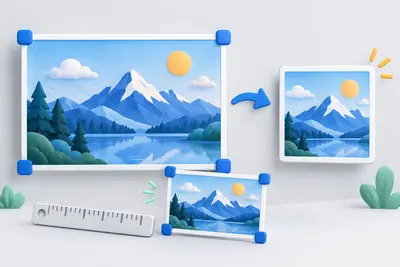
Resize to fixed dimensions or a percentage, and optionally convert to another format.
Open tool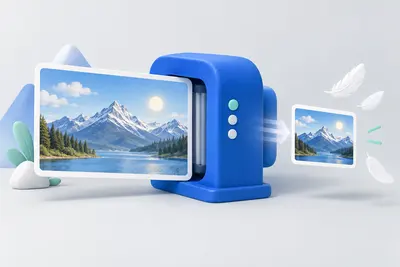
Convert images to WebP
Resize and convert multiple images at once in your browser, with no upload.
Open tool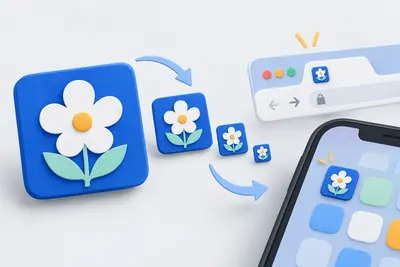
Create a favicon
Select an image and create all icon sizes and a web manifest directly in your browser.
Open tool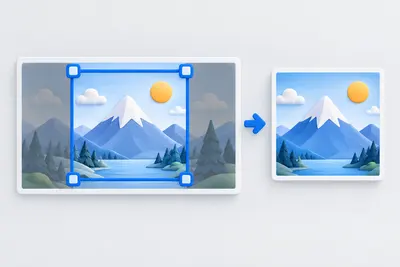
Crop an image
Choose a crop freely or with a fixed aspect ratio. Keyboard controls are supported.
Open tool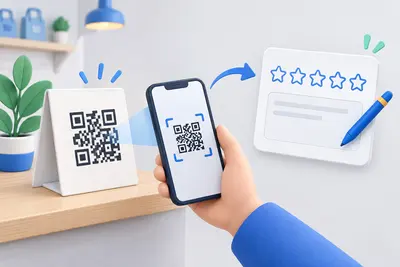
Google review link
Link directly to the review form, with a QR code for displays and invoices.
Open tool
Joomla template generator
Customise 62 templates by industry and layout, adjust colours and module positions, and download a ready-to-install ZIP for Joomla 4 and 5.
Open tool