
SERP preview
What does your listing look like in the Google-Hit list? Enter title and description, the preview grows with typing – for the desk and for the phone.
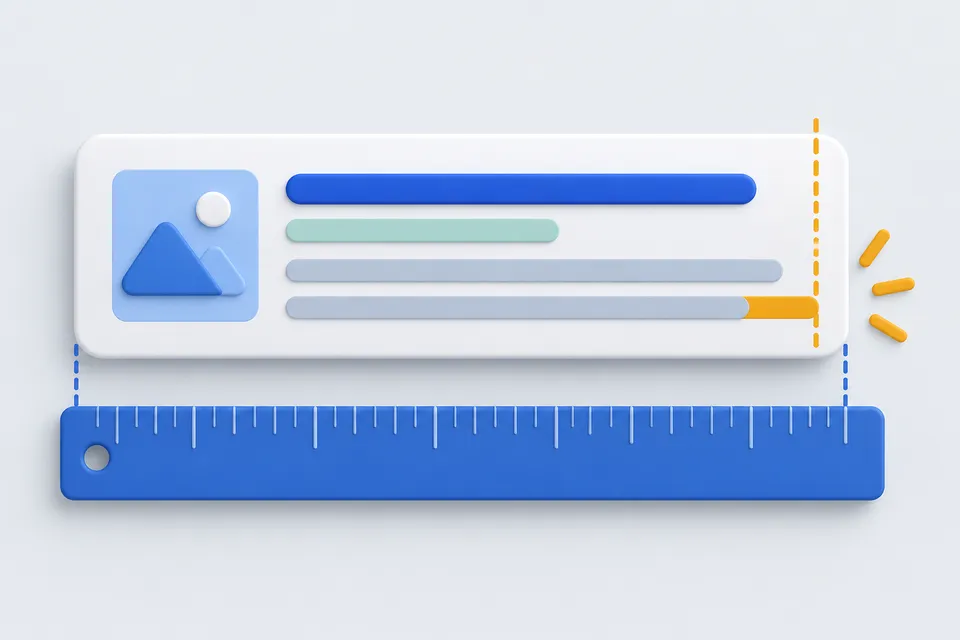
How it works
This is what your search result might look like.
- Use the title and description
- Check width in preview
- Shortening texts appropriately
Entry
Everything is measured immediately in pixels, rather than characters.
0 % of available width – Still empty
0 % of available width – Still empty
Why is it not counted here
Almost all preview tools count characters and call 60 for the title. Google but cuts down Width in pixels “Illustration” and “MMMMMMMMMMMM” have the same number of characters and need completely different space – for a title consisting of narrow letters you give away space according to the character rule, with wide ones is cut off despite the “fitting” length.
Therefore, this page measures with the same font sizes that Google The bar shows how much of the available width is occupied.
What you do with it
The important forward. What is cut off is lost – the place name at the end of a long title does not benefit anyone.
There is less space on the phone. So when most of your visitors are mobile, go to the bottom one.
Google It doesn't always stick to it. If the text does not match the search query, sets Google A good description increases the chance that yours will be taken – it cannot be forced.
Get ready-to-use page header code from the Meta tag generator The values of your existing page measure the Website check .
Why Google Often rewrites the title
Replaced since 2021 Google Titles with their own wording on a regular basis – usually if your own is too long, consists of keywords or has little to do with the content of the page. Most common triggers: same brand name at the beginning of each page, hyphenated terms strung together, and titles that don't pick up the text of H1.
On the other hand, no trick helps, but a title that describes the page and fits into the width. This preview measures in pixels instead of characters: A "W" is more than twice as wide as an "i", and two titles with the same number of characters are cut off very differently.
The description decides about the click
It's not a ranking factor -- it doesn't affect whether the page is found, but whether it's clicked when it's found. Two pages next to each other in the result, one with a promise, one with a truncated half sentence: the difference in the click-through rate is greater than what most optimizations bring at the position.
She also writes Google If it doesn't fit the search query, then it takes a paragraph from the text. That's not an error, but a hint: The answer to the question is obviously in the text, just not in the description.
Other tools
From ‘For search engines” and related categories. Free, with no sign-up.

Create schema markup
Create JSON-LD structured data for businesses, articles, products and events.
Open tool
Create robots.txt
Build rules with a few clicks, including restrictions on AI crawlers.
Open tool
Create a sitemap
Paste URLs or scan your website, then download the finished XML file.
Open tool
Submit to search engines
Submit new pages directly to Bing, Yandex, Seznam, Naver and other search engines through IndexNow, with checks before submission.
Open tool
Resize images
Resize to fixed dimensions or a percentage, and optionally convert to another format.
Open tool
Create .htaccess
Configure redirects, HTTPS, compression and access protection for Apache with a few clicks.
Open tool