
Format CSS
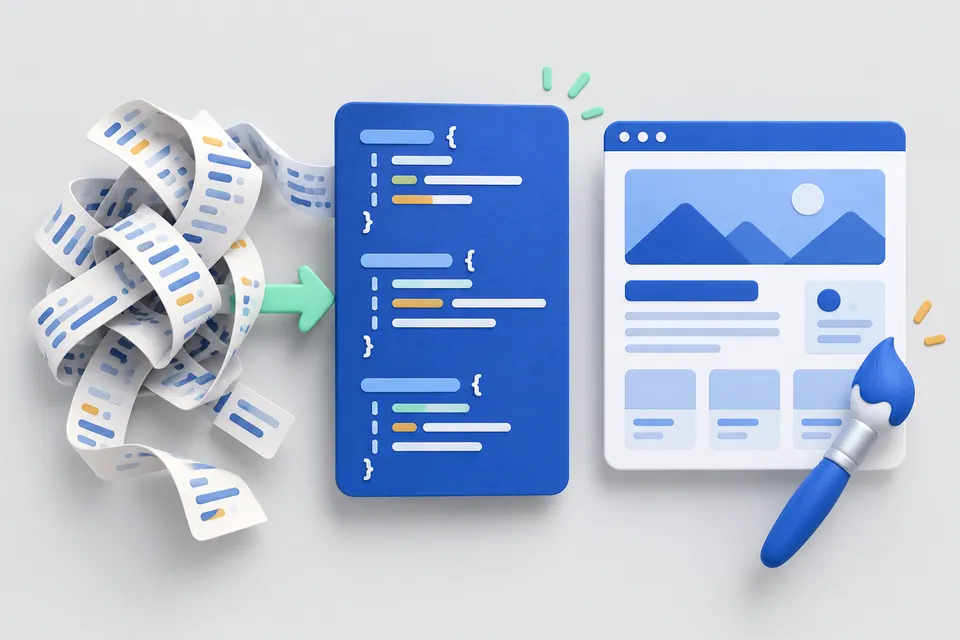
Make compressed CSS readable, or minify it for delivery. Everything runs in your browser, without uploads.
How it works
Order or reduce style sheets
- Paste CSS
- Select formatting
- Copy readable or compact output
What to Consider
The parser reads character by character instead of using a regular expression. This matters because Content: "}" or in one of the url(data:...;base64,...) may contain braces and semicolons that are not structural. Simple pattern matching would split the file incorrectly.
Each selector is placed on its own line, making it easier to see what a rule affects and avoid unintended side effects.
Minification removes comments, except those beginning with /*! which identify licence notices that need to be preserved.
To find unused CSS and its effect on loading time, use the measurement in the Website check .
Where the weight really comes from
Minification saves characters, not rules. Large stylesheets often come from themes or builders that deliver far more CSS than the page uses. The solution is removing unused rules, not just formatting.
Loading order also matters: a stylesheet blocks rendering until it has loaded. Nobody notices whether it is 40 or 45 kilobytes; its placement in the head and the number of other files do matter.
What is retained in the shrinkage
Comments and whitespace are removed, as is the final semicolon in each block. Strings inside Content, values in url() and media queries are preserved, because removing spaces can change their meaning. Custom properties are preserved too, including --variableswhich make up modern themes.
Other tools
From ‘Source code and server” and related categories. Free, with no sign-up.

Format JSON
Validate, format or minify JSON, with the line, column and exact error location.
Open tool
Encode a URL
Encode or decode URLs and parameters, and inspect their individual components.
Open tool
Create .htaccess
Configure redirects, HTTPS, compression and access protection for Apache with a few clicks.
Open tool
Format HTML
Indent or minify source code in your browser, with no upload.
Open tool
Convert images to WebP
Resize and convert multiple images at once in your browser, with no upload.
Open tool
Create a legal notice
Select a legal form and enter your details to create a German legal notice under section 5 DDG.
Open tool