
Website crawler
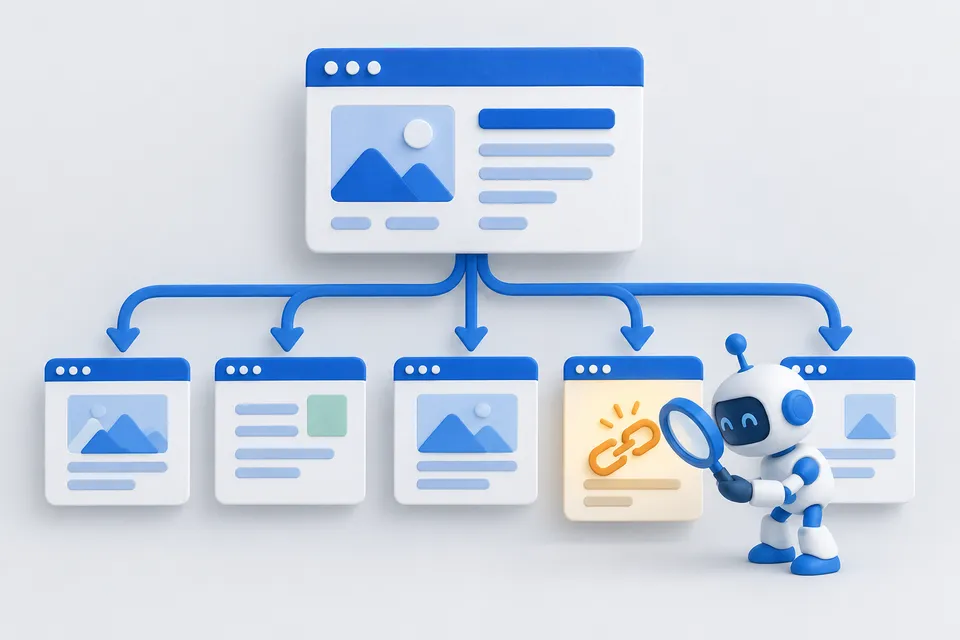
Follows internal links from the starting page and checks each page found, respecting robots.txt.
How it works
See the website as a whole
- Select start address and page limit
- Follow internal links
- Finding Problems Between Pages
Enter a starting URL. The crawler follows internal links from there.
What a crawl reveals that a single-page check cannot
Many problems arise between pages: repeated descriptions, links to deleted offers, and pages with no internal links. You can only find these by checking the website as a whole.
The crawler starts at your URL, follows internal links and checks up to one hundred pages. It stays on the same domain. Each page is fetched once, with a pause between requests to minimise server load.
What the report highlights
- Error pages and redirect chains — a 404 in the menu loses visitors; a chain of three redirects adds latency and weakens linking.
- Duplicate titles and descriptions — a very common finding. Google then chooses which page to show, and may not choose the one you intended.
- Thin pages — pages with only a few lines of text and little independent value. Merging them is often better than optimising them separately.
- Orphan pages — sitemap URLs with no internal links. They exist, but visitors and search engines may struggle to find them.
- Non-indexable pages — noindex directives, canonicals pointing elsewhere or robots restrictions. Sometimes intentional, sometimes forgotten development settings.
What to fix first
Start with error pages, then indexability. Next address duplicate titles and descriptions, which influence search result clicks. Leave thin content until last: improving text takes more time.
Download the report as CSV to work through it and check again later. Results are not stored here, and crawl result pages are excluded from indexing.
Other tools
From ‘Check and compare” and related categories. Free, with no sign-up.

Test robots.txt
Paste rules and enter URLs to see which pages are blocked and which rule applies.
Open tool
Check a sitemap
Parse XML, find structural errors and check whether the listed URLs are reachable.
Open tool
URL comparison
Compare two pages side by side: scores, key metrics and every individual check.
Open tool
Google ranking check
How well does a page target a search term? Check titles, headings, body text, link text and technical requirements.
Open tool
Crop an image
Choose a crop freely or with a fixed aspect ratio. Keyboard controls are supported.
Open tool
Encode a URL
Encode or decode URLs and parameters, and inspect their individual components.
Open tool