
Create UTM links
So that you can see in the evaluation where your visitors come from: from the newsletter, from the flyer, from an advertisement.
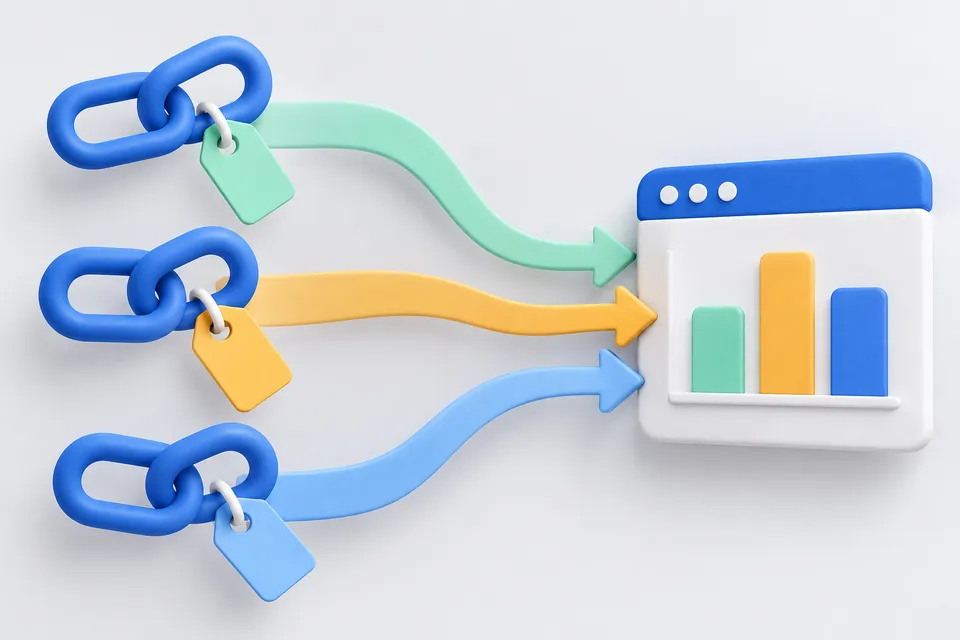
How it works
Differentiate Campaigns from Their Links
- Enter the destination address
- Complement Source, Medium and Campaign
- Use a marked link
Objective
The page where visitors are supposed to land.
Without https:// it is supplemented. existing utm parameters are replaced.
Mandatory information
These three needs every evaluation in order to be able to classify the campaign.
Where does the click come from? The name of the sender or platform.
What kind of channel? Email, paid advertisement, social network.
Same action, same name - otherwise the report will fall apart.
Optional
Only necessary if you want to distinguish within a campaign.
For paid search, the booked keyword.
Differentiates two links of the same broadcast – for example, button against text link.
Finished link
Still required: Destination address, Source, Medium, A campaign.
Discipline is more important than technique
Technically, these are five attached parameters, nothing more. The benefit stands or falls with the fact that you consistently write the same values the same way.
A distinction is made between upper case and lower case. “Newsletter” and “newsletter” end up in separate lines of the report – a campaign turns into two half, and neither number is true.
Never use on your own pages. A UTM link in your own navigation starts a new session in the evaluation – the visitor appears as if he were just coming from outside.
The parameters are public. They're in the address bar, and they're forwarded when someone shares the link. Don't write anything that everyone shouldn't read -- no names, no customer numbers.
What belongs where?
Source is the specific sender: “newsletter”, “facebook”, “flyer-maerz”. Medium is the type of channel: “email”, “social”, “cpc”, “print”. A campaign is the action that clings to both: “early 2026”.
For printed advertising, the combination with the QR generator : Build a campaign link here, pour it into a code – then you will see how many people have really scanned the display.
Other tools
From ‘Sharing and promotion” and related categories. Free, with no sign-up.
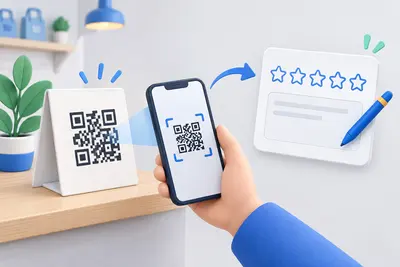
Google review link
Link directly to the review form, with a QR code for displays and invoices.
Open tool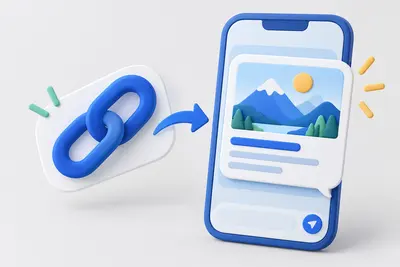
Create Open Graph tags
Create preview images and text for WhatsApp, Facebook and LinkedIn, with a preview for each network.
Open tool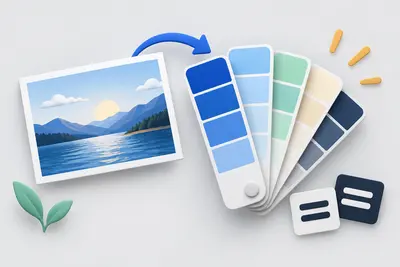
Create a colour palette
Create colour harmonies and shades, extract colours from an image and check contrast against WCAG.
Open tool
Format HTML
Indent or minify source code in your browser, with no upload.
Open tool
Create a legal notice
Select a legal form and enter your details to create a German legal notice under section 5 DDG.
Open tool
Website crawler
Follow internal links and check up to 100 pages for errors, duplicate titles and thin content.
Open tool