
Resize images
Resize several images at once to the dimensions your website needs. Everything happens in your browser; files stay on your computer.
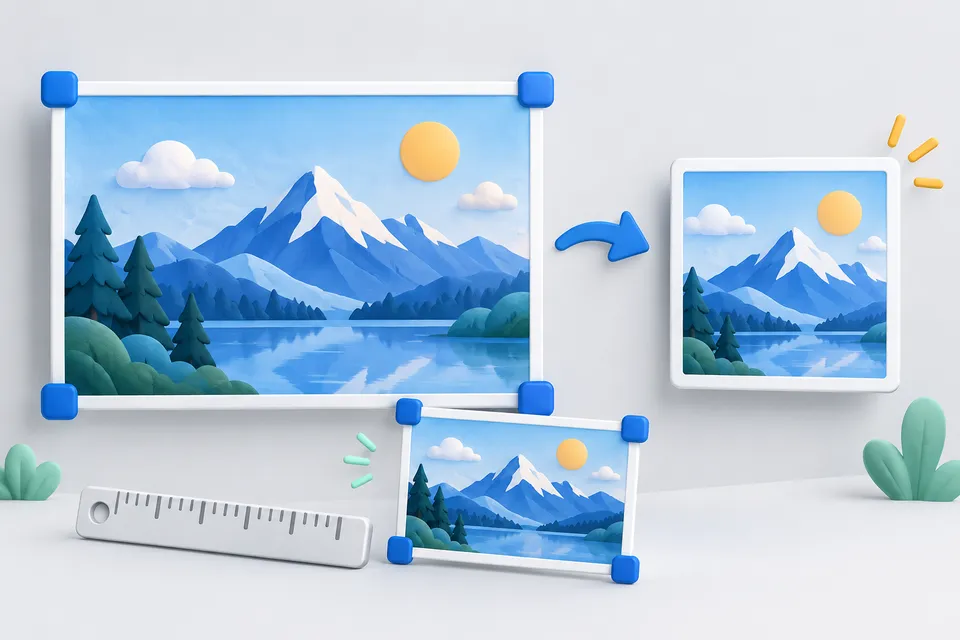
How it works
Bringing pictures to the appropriate size
- Selecting pictures
- Adjust target dimensions and format
- Download Scaled Images
Drag images here or click
Up to 20 files. Everything stays on your computer; nothing is uploaded.
Target size
Format
Below 70%, edges and surfaces can look visibly rough. 85% usually offers a good balance between file size and appearance.
Which size should you choose?
Measure the displayed width and double it for high-resolution screens. These use two device pixels per CSS pixel, so an image with too few pixels can look blurry.
A 4,000-pixel-wide photo displayed at 600 pixels transfers roughly forty times the necessary data. On many websites, images outweigh scripts, stylesheets and fonts combined.
What's happening here
No distortion. With aspect ratio locked, width and height are maximum limits. The image fits within them and may be smaller in one direction. Without the lock, it is stretched to the exact dimensions.
JPEG export adds a white background. JPEG does not support transparency. Without a background, transparent areas would turn black. Use PNG or WebP to retain transparency.
You can enlarge images using the percentage setting, but resizing cannot restore detail missing from the original.
If your main goal is a smaller file, the WebP converter is the more direct option. To find oversized images on your website, use the Website check .
Other tools
From ‘Images and icons” and related categories. Free, with no sign-up.
Convert images to WebP
Resize and convert multiple images at once in your browser, with no upload.
Open tool
Create a favicon
Select an image and create all icon sizes and a web manifest directly in your browser.
Open tool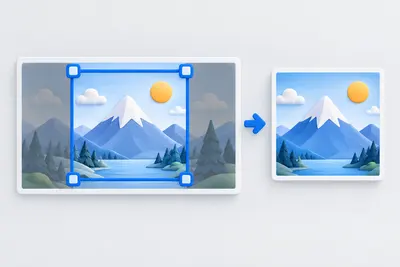
Crop an image
Choose a crop freely or with a fixed aspect ratio. Keyboard controls are supported.
Open tool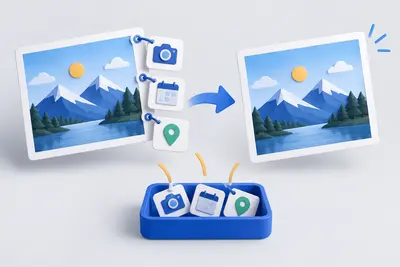
View and remove EXIF metadata
View camera, date and location metadata, then remove it without losing image quality.
Open tool
URL comparison
Compare two pages side by side: scores, key metrics and every individual check.
Open tool
Create robots.txt
Build rules with a few clicks, including restrictions on AI crawlers.
Open tool